Customer Dashboard — Settings & API Docs
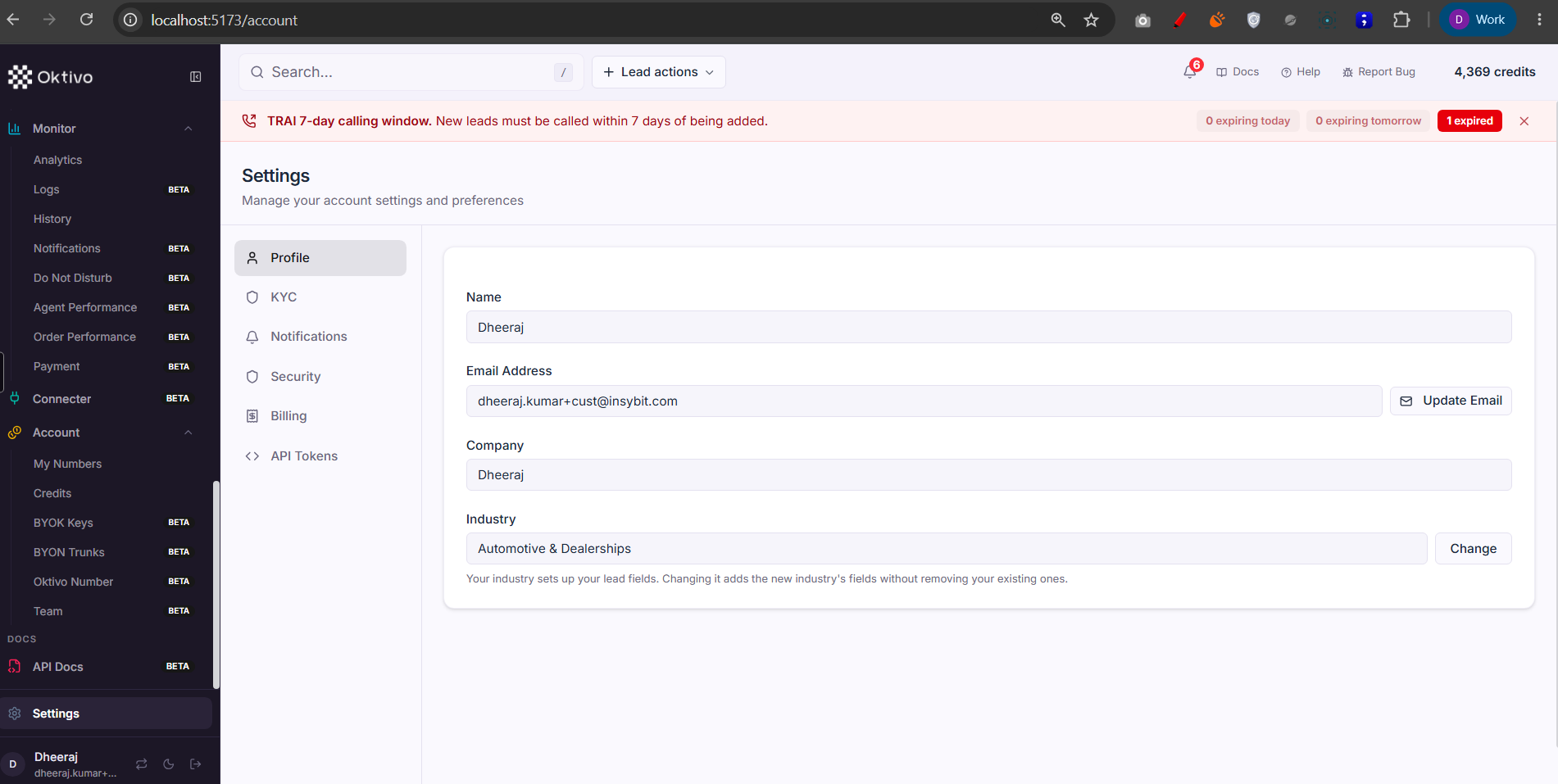
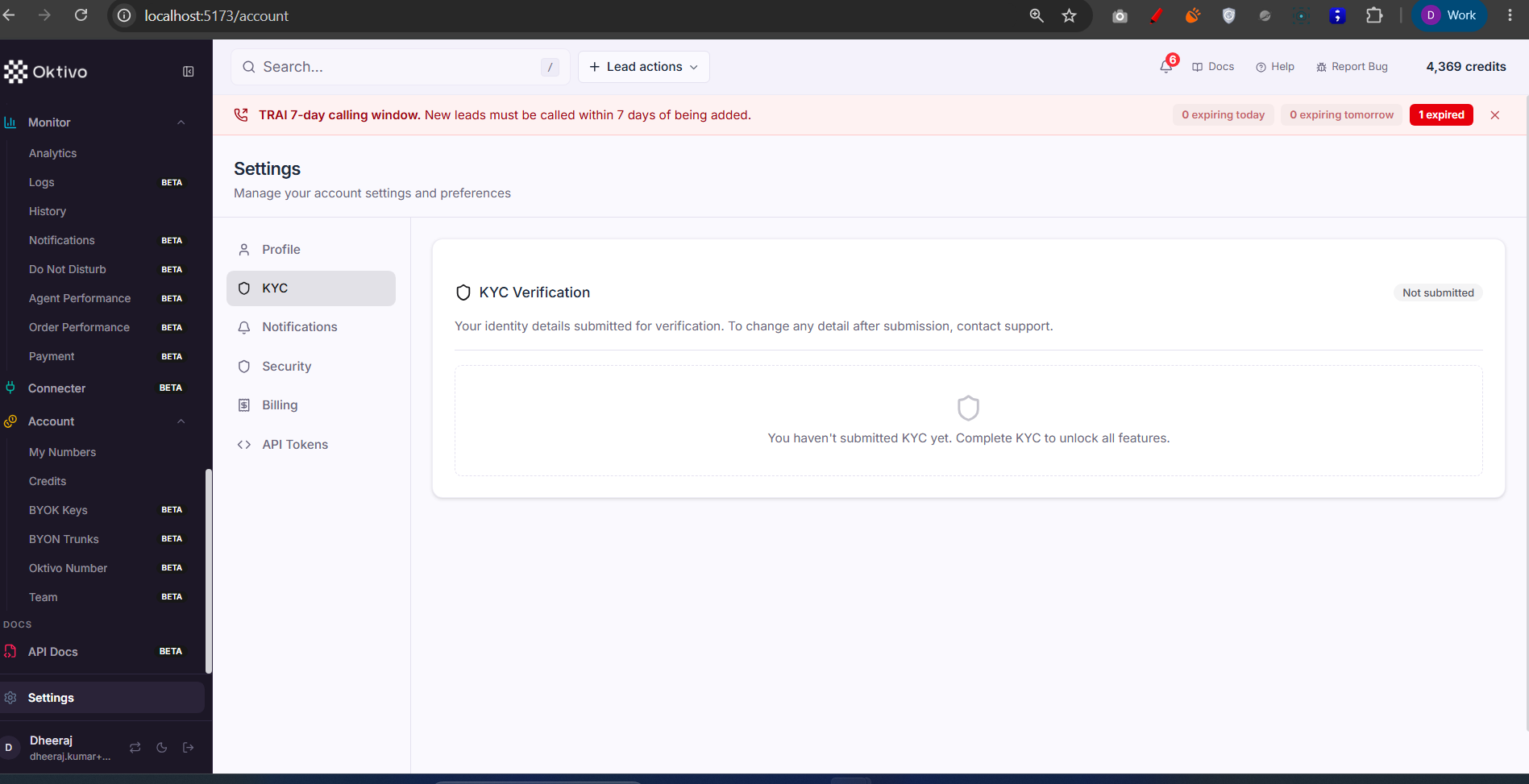
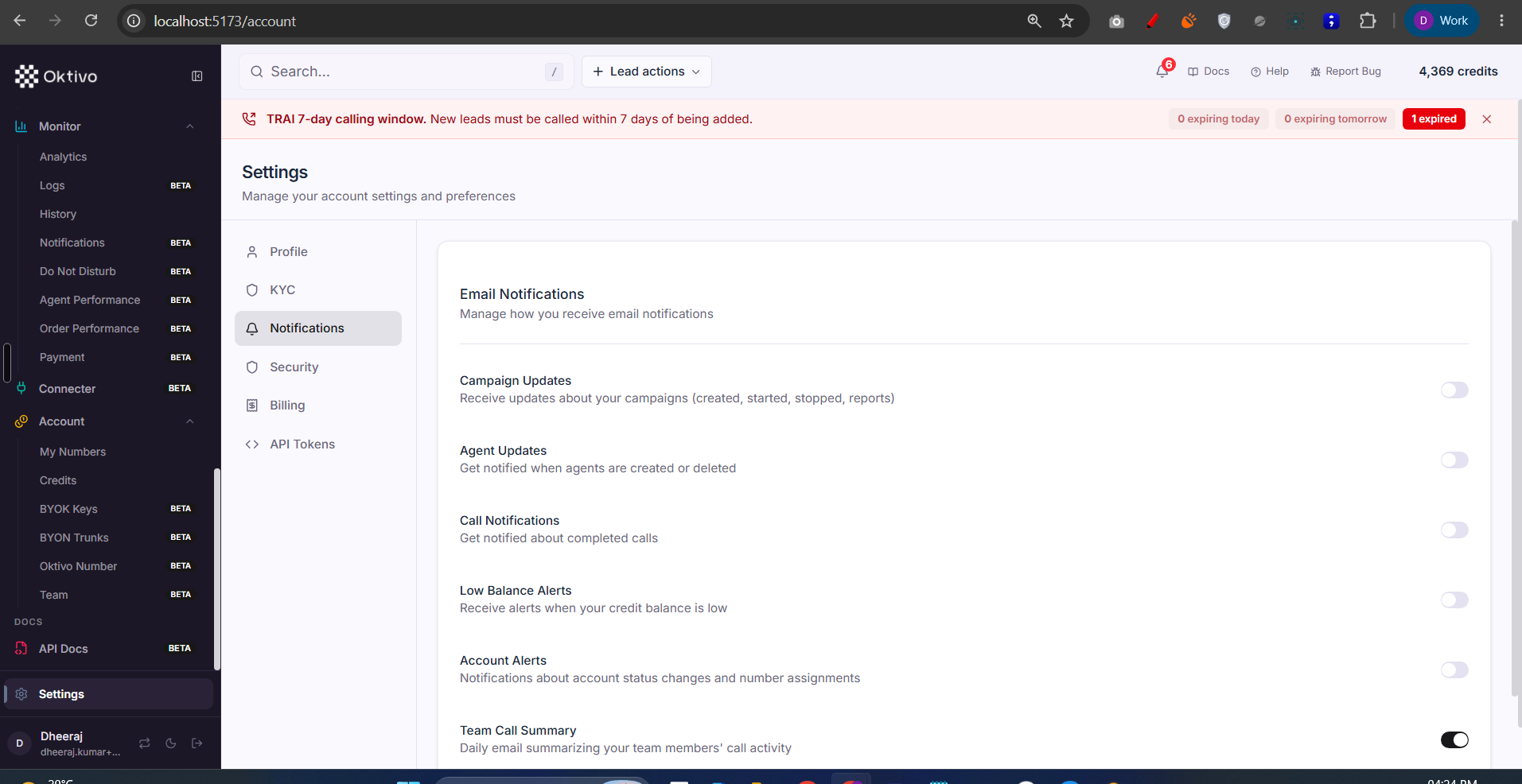
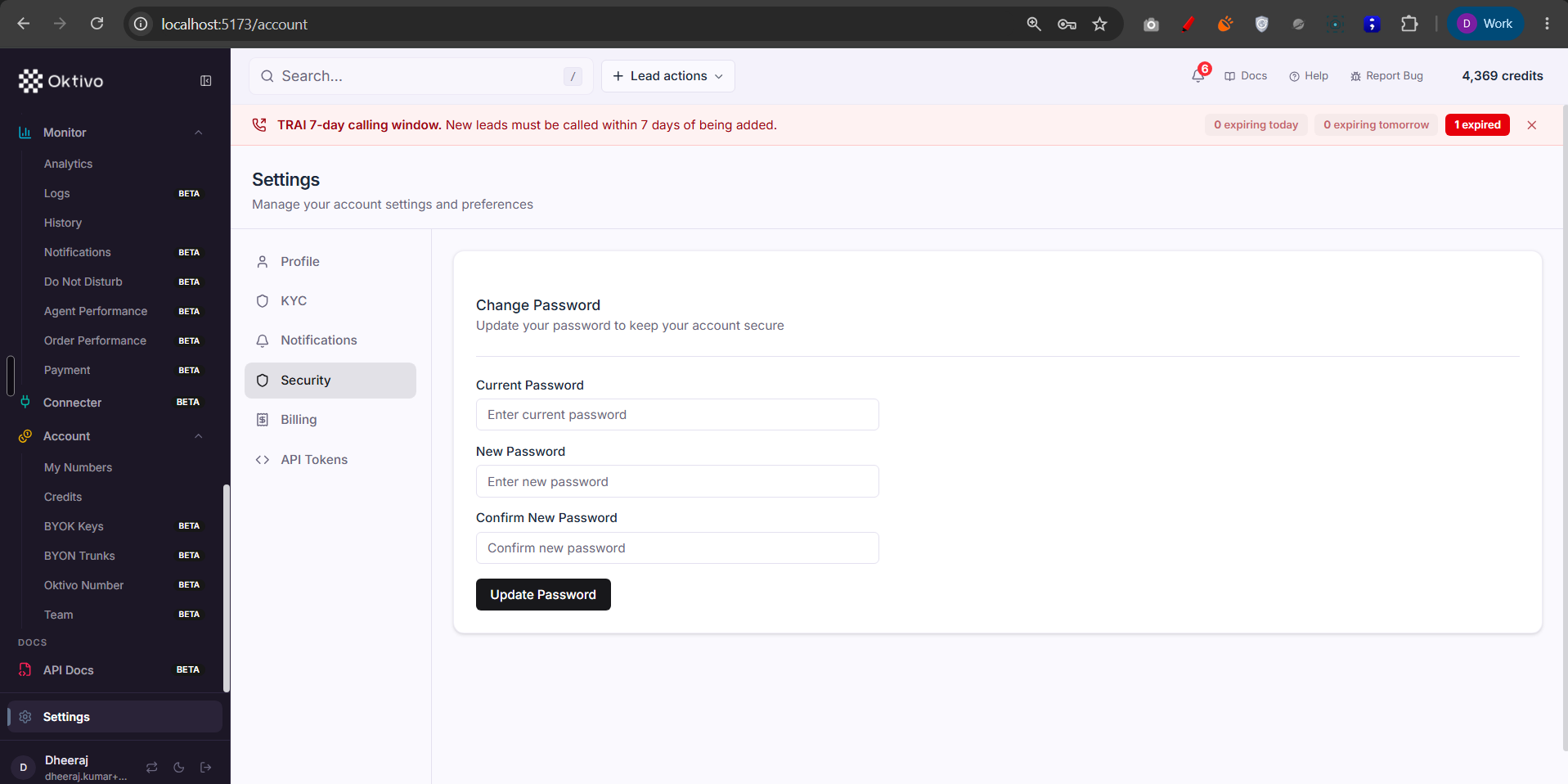
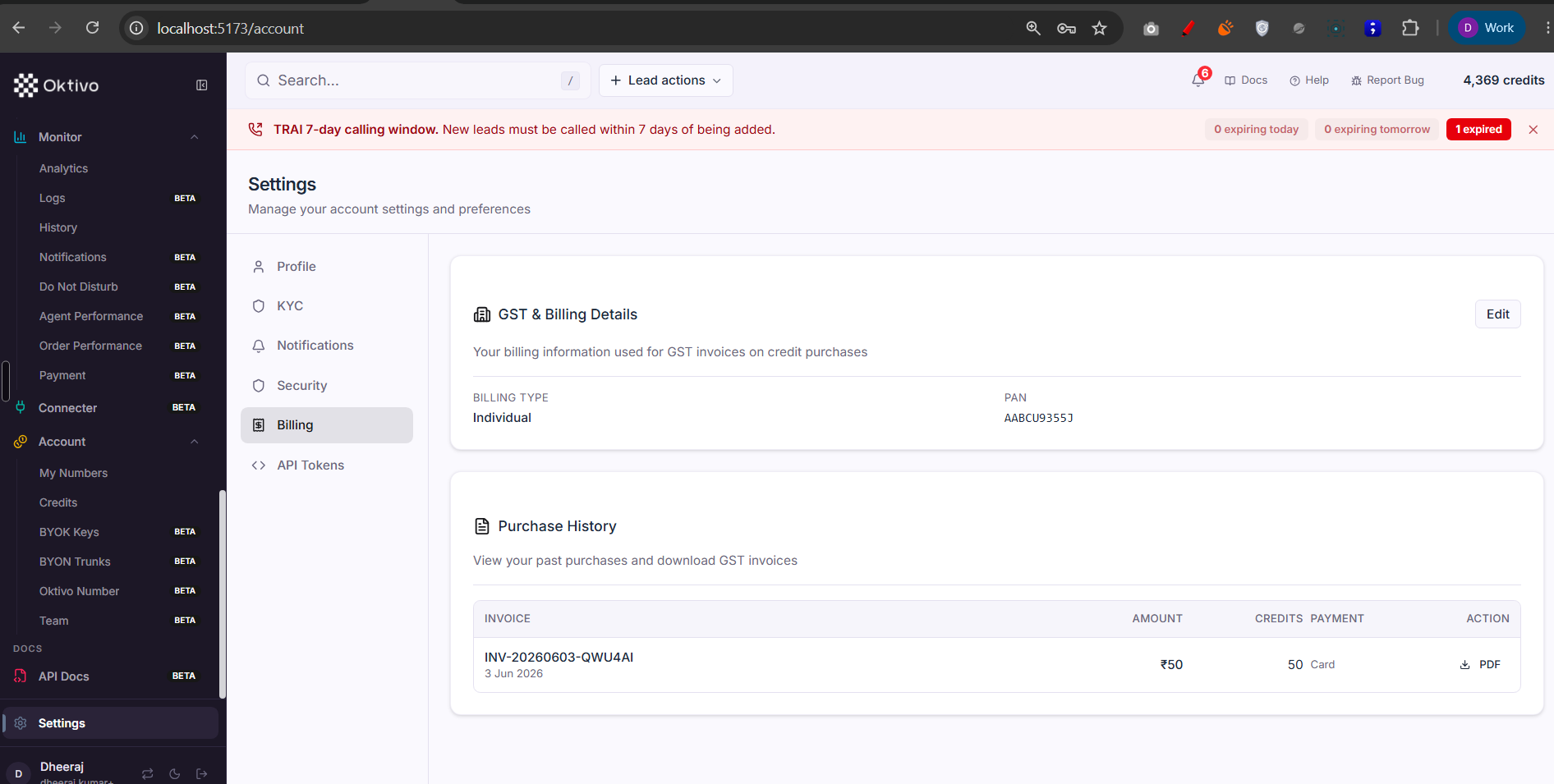
The bottom-of-sidebar Settings item (/account) is the customer's account/profile + configuration surface, and API Docs (/api-docs) is the public API reference for customers whose plan includes API access.
Screenshots
Architecture Overview
How It Works (Step-by-Step)
- Settings (
/account). Shows the signed-in user and organization (GET /auth/me) and lets them change password (POST /change-password), set/confirm industry, and manage profile/preferences. Account/auth lifecycle (login, signup, email verification, password setup, OTP) lives inauth.routes.ts; most of those are public (pre-login). Agent/config reads useconfig.routes.ts(GET /agent-config, JWT-gated, response sanitized). Backed by User + Organization. - API Docs (
/api-docs). Gated by thecrm_apientitlement; without it the sidebar row is locked. The page documents the public CRM API fromcrm-api.routes.ts:- Add lead —
POST /api/v1/crm/leads - Trigger call —
POST /api/v1/crm/calls; statusGET /api/v1/crm/calls/:contactUID; cancelDELETE - List agents / analysis schemas —
GET /api/v1/crm/agents,.../analysis-schemas - Create ticket —
POST .../tickets - These accept an API token or JWT (
verifyApiTokenOrJwt), are rate-limited, and feature-gated. - API tokens —
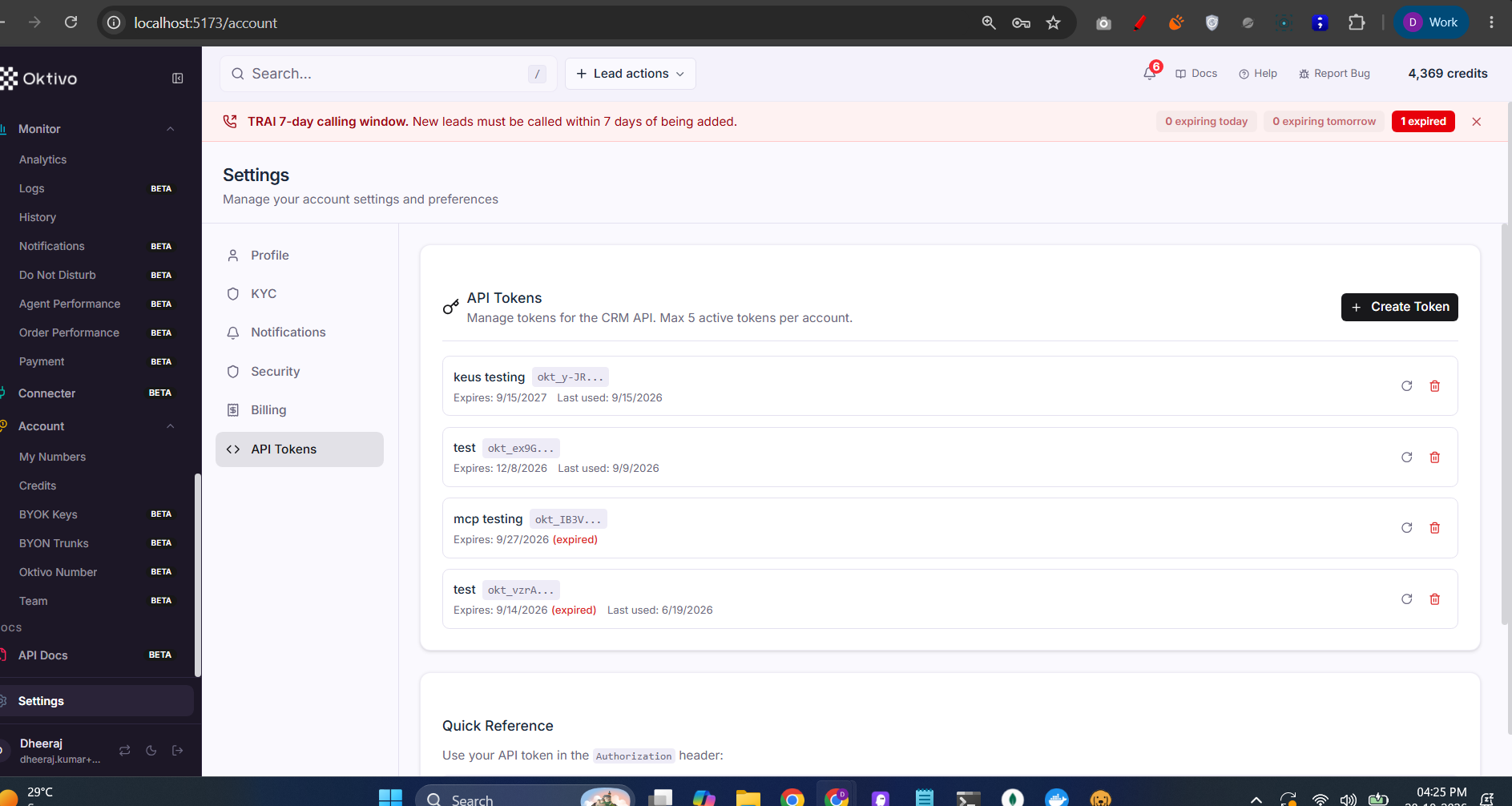
/api/v1/crm/tokens/*(JWT only) create/list/delete/rotate tokens stored in ApiToken. See CRM API Integration.
- Add lead —
⚠️ Unverified: the exact Settings page tabs/sections (e.g. profile vs notification preferences layout) were not read from the page component; the mapping above is derived from
auth.routes.ts/config.routes.ts. The API Docs endpoint list is authoritative fromcrm-api.routes.ts.
File Reference
| File | Role | Key Functions |
|---|---|---|
routes/auth.routes.ts | Login/signup/verify/password + /auth/me | getMe, changePassword, setIndustry |
routes/config.routes.ts | Sanitized agent config read | getAgentConfig |
routes/crm-api.routes.ts | Public CRM API + API token CRUD | createLeadHandler, triggerCallHandler, createTokenHandler |
controllers/apiToken.controller.ts | API token lifecycle | createTokenHandler, rotateTokenHandler |
app/src/layouts/CustomerLayout.tsx | Settings (bottom nav) + API Docs (crm_api) items | bottomNavItems, mainNavItems API Docs |
Data Model
| Collection | Why it exists | Key fields |
|---|---|---|
User | The account/profile | email, industry, phoneVerified, kycStatus |
Organization | The tenant + plan/entitlements | features, plan |
ApiToken | API access tokens for the public CRM API | hashed token, scopes |
API Endpoints
Current user
- Method:
GET· Path:/auth/me· Auth:verifyJwt· Response: user + org + resolved features.
Change password
- Method:
POST· Path:/change-password· Auth:verifyJwt.
Agent config (sanitized)
- Method:
GET· Path:/agent-config· Auth:verifyJwt→sanitizeConfigResponse.
Public CRM API (API Docs)
POST /api/v1/crm/leads,POST /api/v1/crm/calls,GET /api/v1/crm/agents· Auth:verifyApiTokenOrJwt+ rate limit +requireFeatureAccess(crm_api).
API tokens
POST/GET/DELETE /api/v1/crm/tokens[...], rotate · Auth:verifyJwt+crm_apifeature.
External Integrations
- The public CRM API is itself an integration surface: external systems call it with an API token to push leads, trigger calls, and read agents/schemas. Inbound tracking (
crmTracking) serves a tracking script for web-event capture.
How to Test (End-to-End)
- Open Settings; confirm profile + org load via
/auth/me, and change the password successfully. - Grant
crm_api; open API Docs and create an API token. - Using the token,
POST /api/v1/crm/leadsfrom curl → confirm the lead appears in CRM. POST /api/v1/crm/calls→ confirm a call is triggered and status is readable.- Rotate the token and confirm the old one is rejected.
Troubleshooting
| Symptom | Cause | Fix |
|---|---|---|
| API Docs locked | crm_api entitlement off | Grant API access to the customer |
| Public API returns 401 | Missing/invalid API token or JWT | Create/rotate a token; send it in the auth header |
| Public API returns 429 | Rate limit hit | Back off; the CRM API is rate-limited per token |
| Change password fails | Current password wrong / policy | Re-enter the current password |
| Agent config missing fields | Response is sanitized | Secrets are stripped by sanitizeConfigResponse by design |