Customer Dashboard — Monitor
The Monitor group is the observability and compliance surface: Analytics, Logs, History, Notifications, Do Not Disturb, and the three Activity-Monitor tabs Agent Performance, Order Performance, and Payment. It answers "how are calls/campaigns doing, what did my tools do, and who is working?"
Screenshots
Architecture Overview
How It Works (Step-by-Step)
- Analytics (
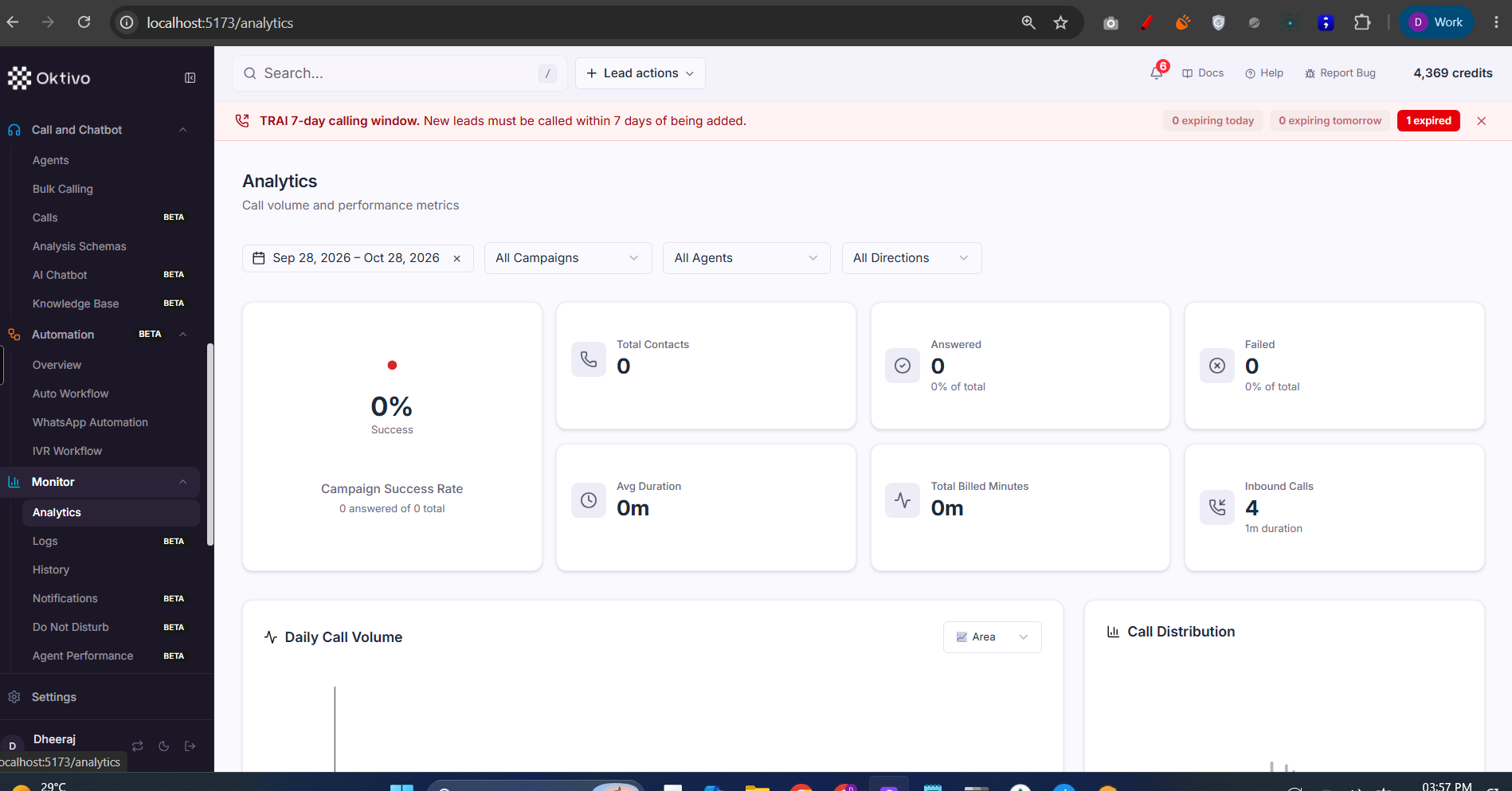
/analytics). Call volume + performance metrics (Success rate, Total Contacts, Answered, Failed, Avg Duration, Billed Minutes, Inbound Calls, Daily Call Volume, Call Distribution) with date / campaign / agent / direction filters (confirmedMontior/1.png). Campaign reports come fromcampaignAnalytics.routes.ts(generate-reportavailable to all campaign users; full data gated byadmin_analytics). Deep token analysis isadmin_analytics-only (tokenAnalytics.routes.ts). - Logs (
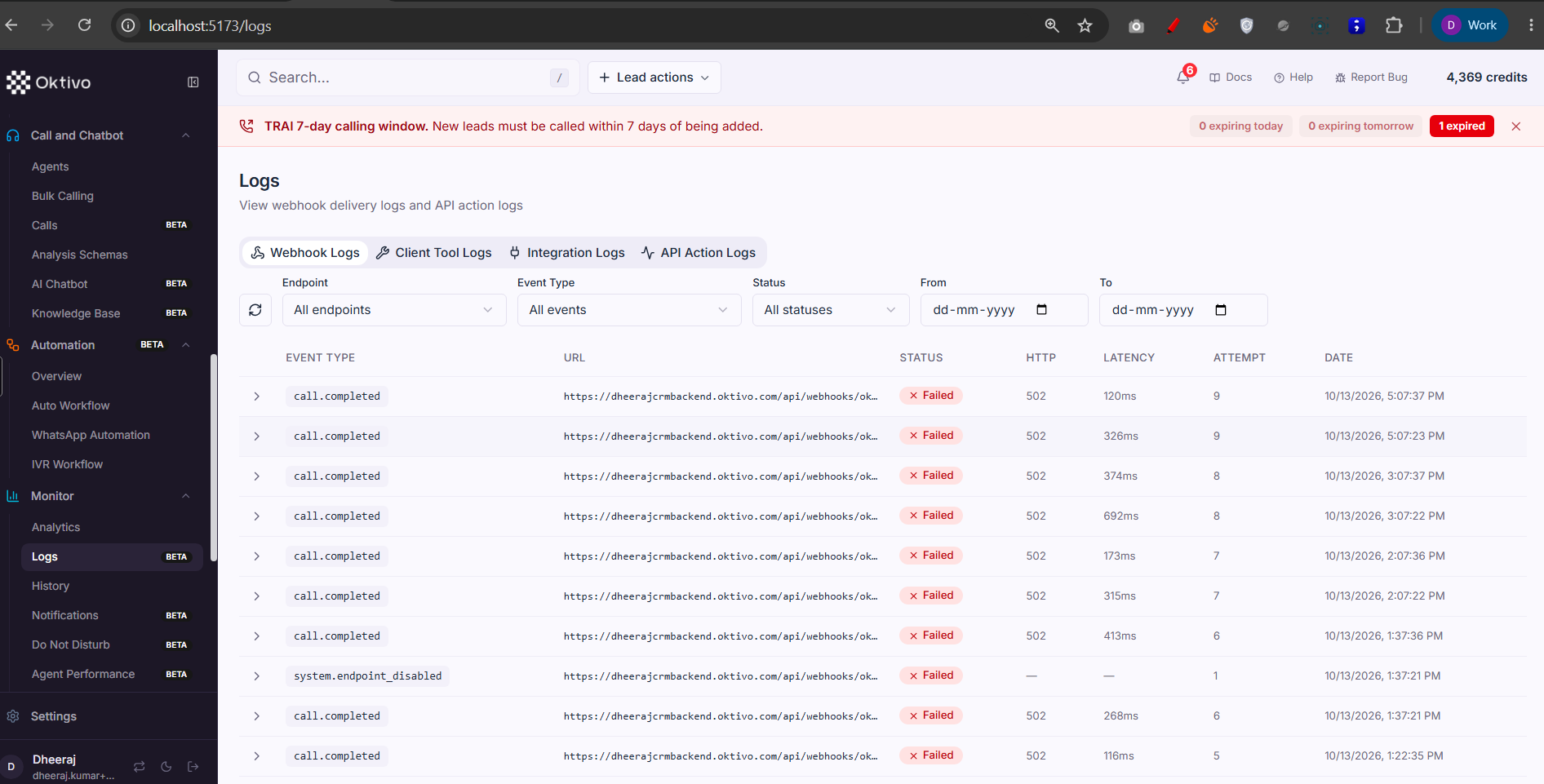
/logs). Execution logs for Client Tools and Webhooks —GET /dynamic-tool-logsand the webhook delivery logs. Gated bywebhooks/dynamic_tools+toolsresource. Backed by DynamicToolLog / ApiActionLog / WebhookDeliveryLog. - History (
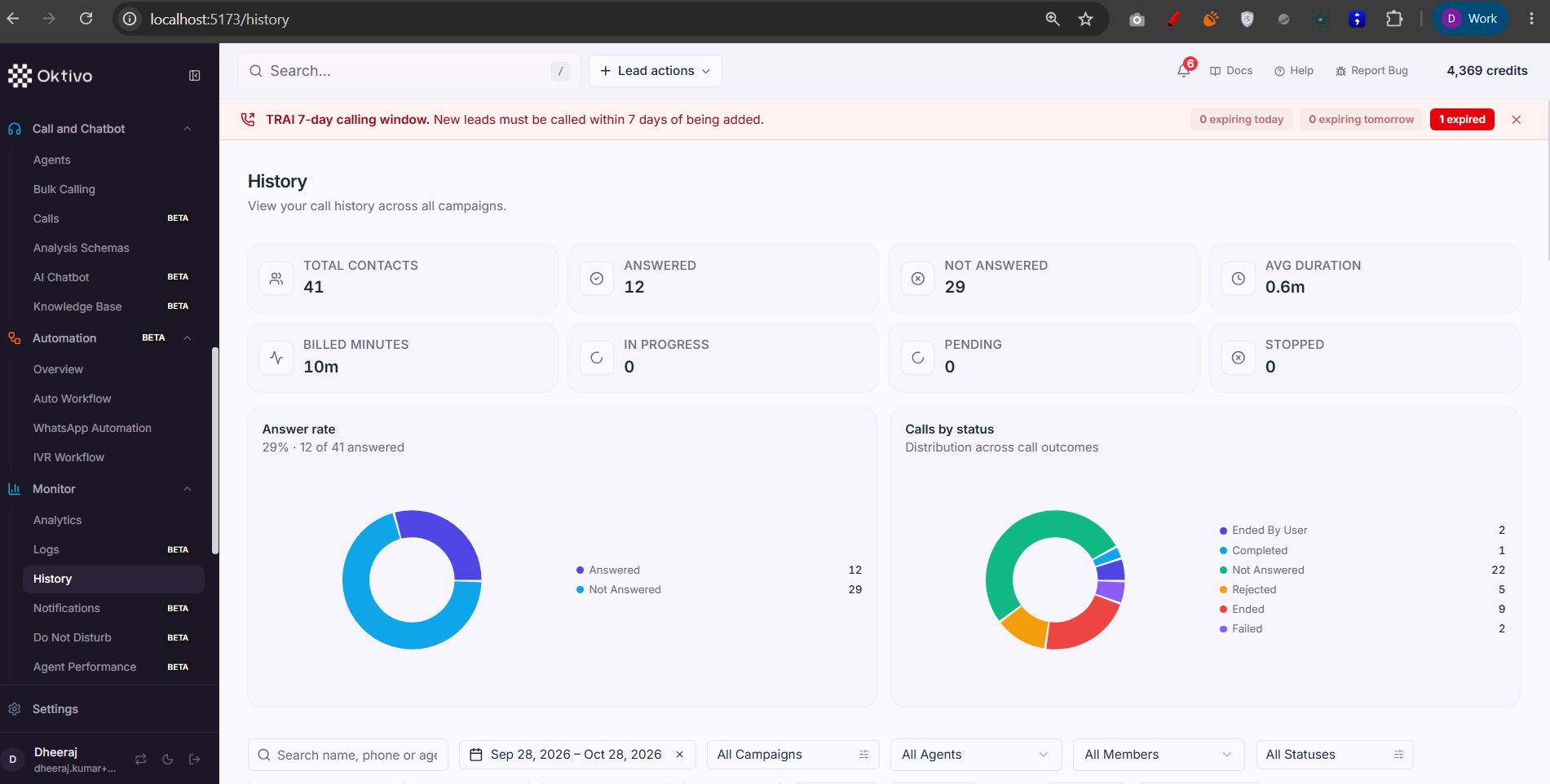
/history). Full call history (includes test calls) viacontact.routes.ts, scoped so a team member sees only their own calls. Gated byvoice_campaign+contactsresource. - Notifications (
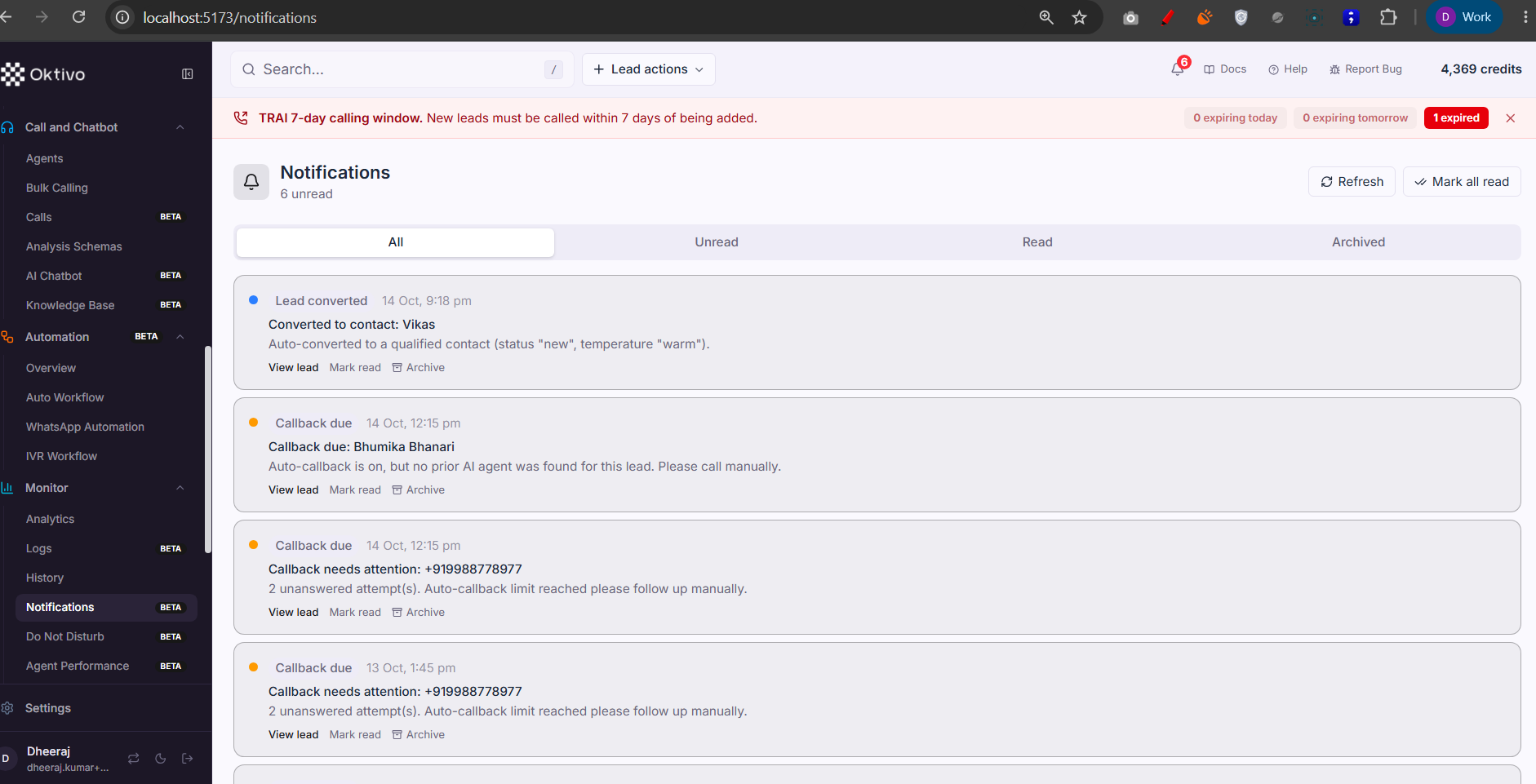
/notifications). The in-app bell + notifications centre: list, unread count, mark read/all, archive. Private to the recipient (scoped toreq.userUID). Gated bycrm_leads+notificationsresource. Backed by CrmNotification. - Do Not Disturb (
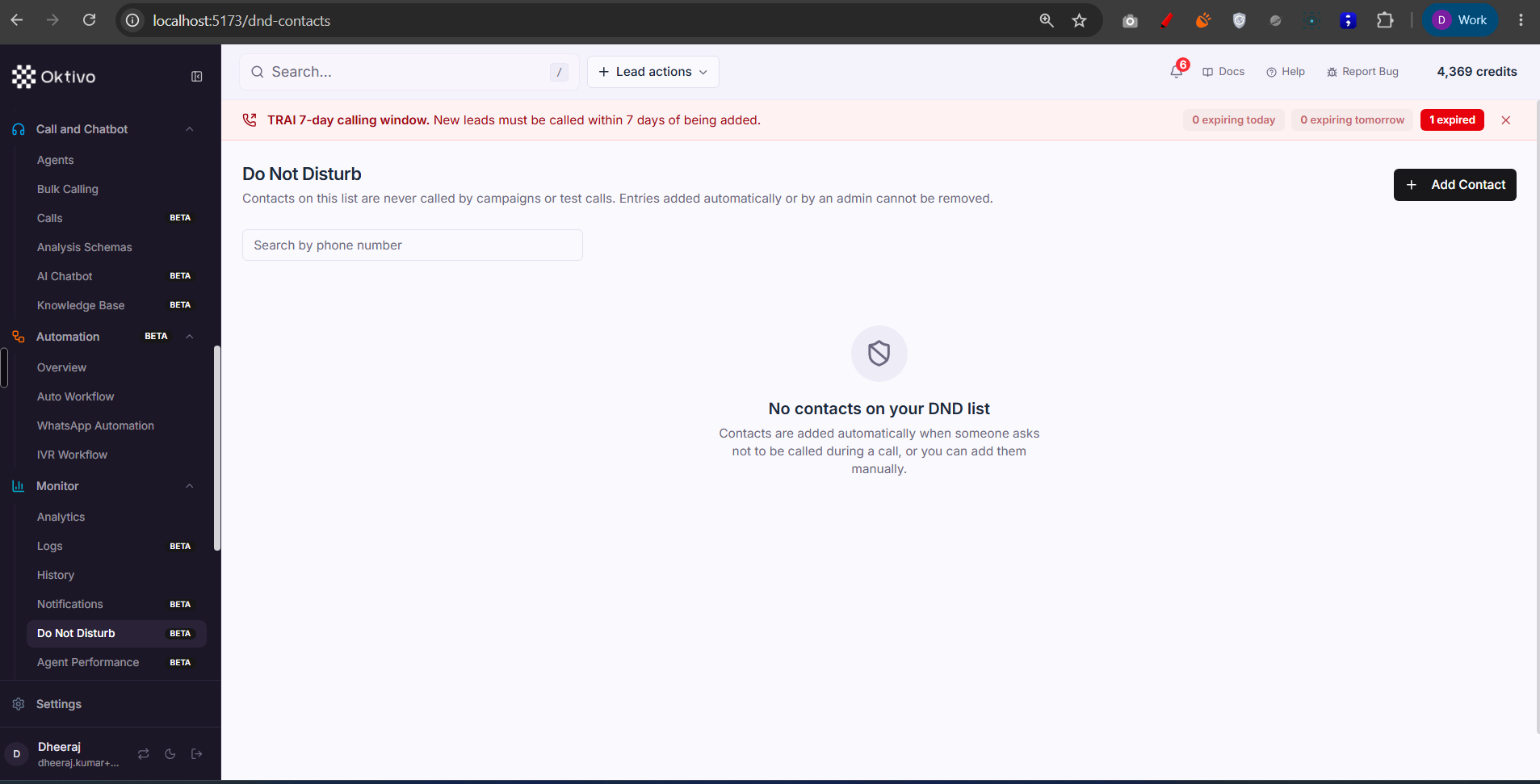
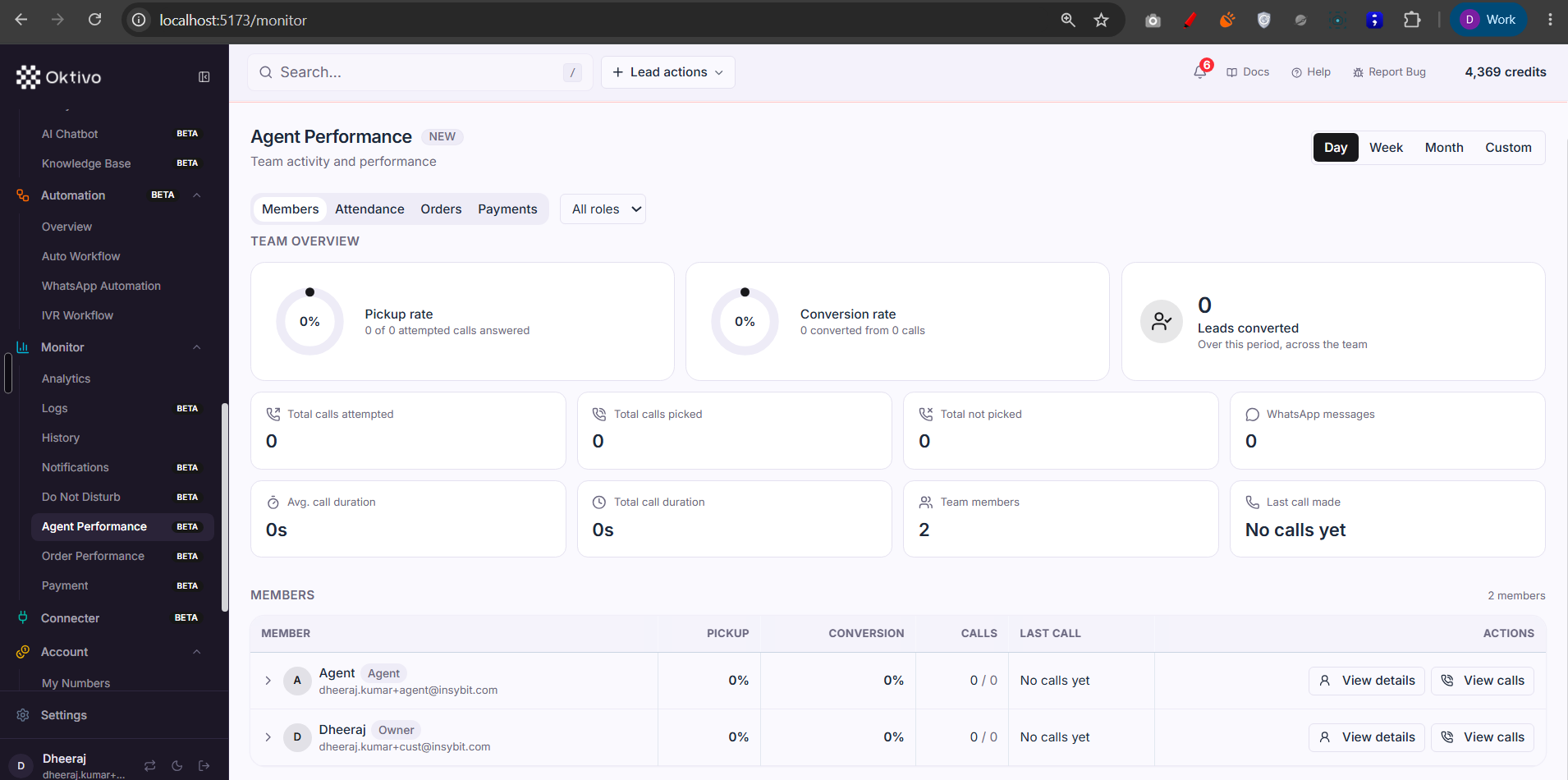
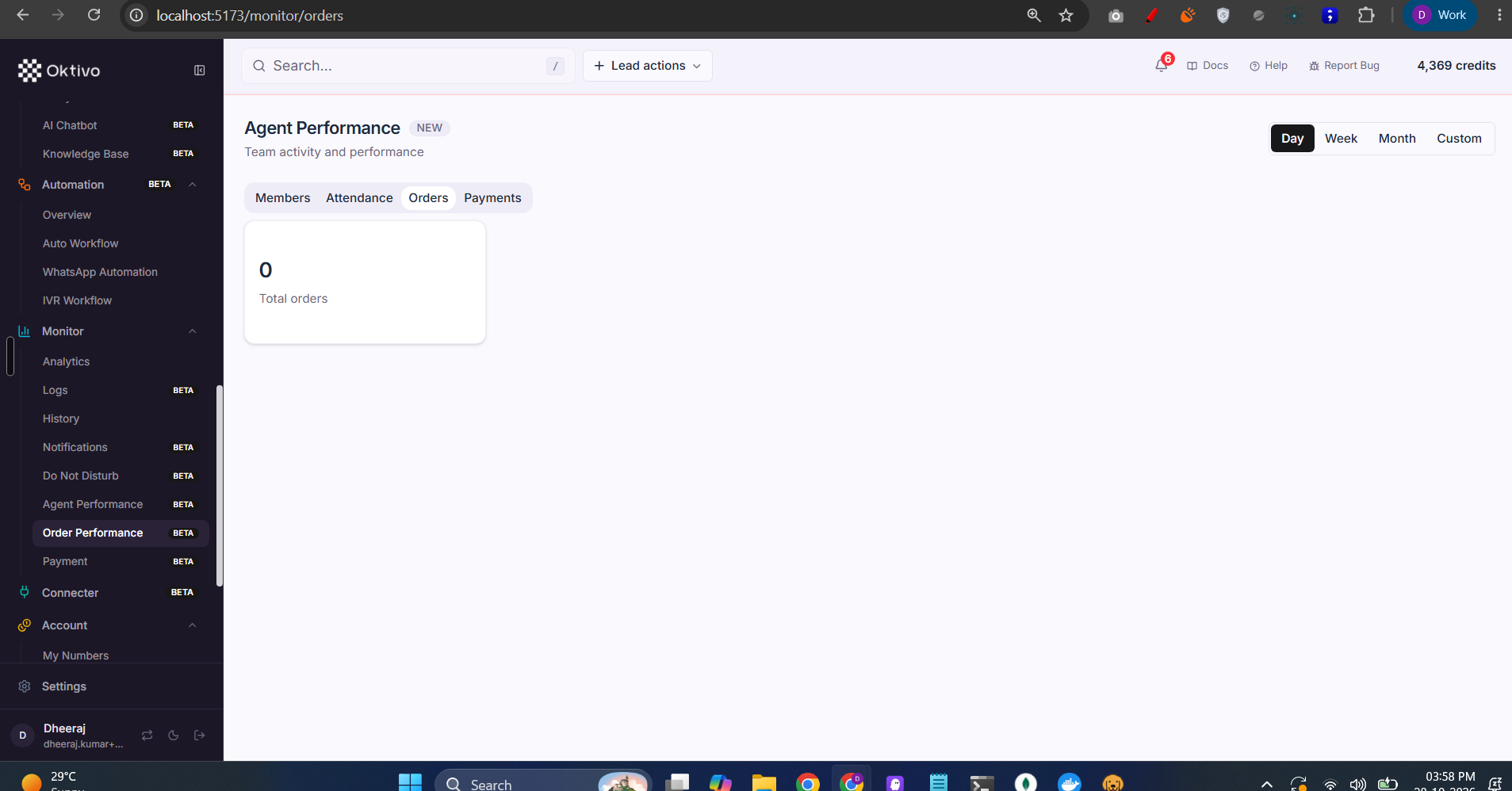
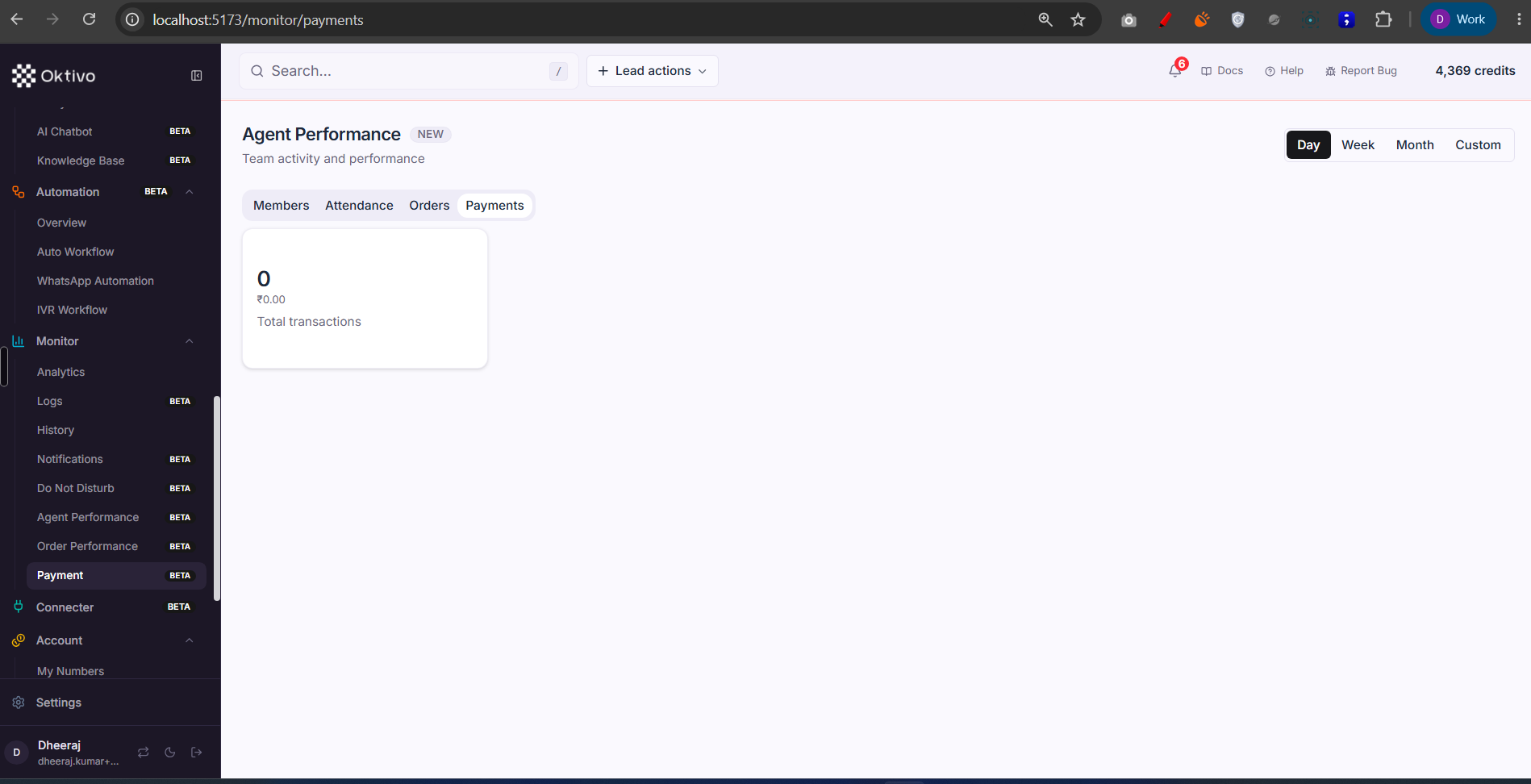
/dnd-contacts). The opt-out/blocklist: list + add + edit + delete manual entries (ownership + source enforced server-side). Gated bydnd_list. Backed by DndContact. See DND Contact List. - Activity Monitor (Agent/Order/Payment).
crmMonitor.routes.tssplits into three independently-grantable tabs:- Members / Agent Performance →
monitor.activity.membersonly (needs commerce scope but NOT the commerce feature) — a pure team-activity view. - Order Performance →
monitor.activity.orders+commerceview (reads commerce data). - Payment →
monitor.activity.payments+commerceview. - The legacy
monitor.activitykey still grants all three (OR logic). Scope decides breadth: an owner/manager sees the whole team; a team member sees only themselves.
- Members / Agent Performance →
File Reference
| File | Role | Key Functions |
|---|---|---|
routes/campaignAnalytics.routes.ts | Campaign report + analysis | generateCampaignReport, generateCampaignAnalysis |
routes/tokenAnalytics.routes.ts | Token usage (admin_analytics) | getCampaignTokens, exportTokenUsageCsv |
routes/crmMonitor.routes.ts | Activity Monitor tabs | getMonitorMembers, getMonitorOrders, getMonitorPayments |
routes/crmNotification.routes.ts | Notifications centre | listNotifications, getUnreadCount |
routes/dndContact.routes.ts | DND / opt-out list | listDndContacts, addDndContact |
routes/dynamic-tool.routes.ts | Tool execution logs | listToolLogs |
routes/contact.routes.ts | Call history | listContacts |
Data Model
| Collection | Why it exists | Key fields |
|---|---|---|
CampaignReport / CampaignAnalysis | Campaign outcome rollups + AI analysis | metrics, tokens |
CrmNotification | Per-user in-app notifications | userUID, read, type |
DndContact | Opt-out / blocklist entries | phone, source, reason |
DynamicToolLog / ApiActionLog | Tool/API call execution logs | request, response, status |
CrmOrder / CrmTransaction | Source for Order/Payment performance tabs | total, assignedToUID |
API Endpoints
Campaign report / analysis
POST /api/v2/campaigns/:campaignUID/generate-report(analyticsview +voice_campaign),POST .../generate-analysis(admin_analytics).
Token analytics (admin_analytics)
GET /api/v1/token-analytics/campaign/:campaignUID,/timeline,/contact/:contactUID.
Notifications
GET /api/notifications,GET /api/notifications/unread-count,PATCH /api/notifications/:id/read,PATCH /api/notifications/read-all,PATCH /api/notifications/:id/archive.- Auth:
verifyJwt→requireFeatureAccess(leads)→requirePermission("notifications","view")→resolveCrmLeadScope.
DND
GET/POST /dnd-contacts,PATCH/DELETE /dnd-contacts/:id· Auth:verifyJwt→requireFeatureAccess(dnd_list).
Activity Monitor
GET /api/monitor/members[/:memberUID](members tab),GET /api/monitor/orders,GET /api/monitor/payments.- Auth:
verifyJwt→requireFeatureAccess("monitor.activity", "monitor.activity.<tab>")→resolveCommerceScope(+commerceview for orders/payments).
External Integrations
- Agent/Analysis backends push call status, analysis, transcription, and metrics via internal webhooks (
webhook.routes.ts, x-api-secret), which feed the Analytics/History/Logs views. - CSV export — token usage and reports can export to CSV.
How to Test (End-to-End)
- Run a campaign, then open Analytics; confirm success rate and volume charts populate for the date range.
- Generate a campaign report; with
admin_analyticsoff, confirm full analysis is blurred/withheld. - Fire a Client Tool / webhook, then open Logs; confirm the execution appears.
- Trigger a notification (e.g. lead assignment) → confirm the bell unread count and the Notifications list update.
- Add a number to Do Not Disturb; confirm it is skipped on the next campaign.
- Grant only
monitor.activity.members; confirm a non-commerce customer sees Agent Performance but not Order/Payment.
Troubleshooting
| Symptom | Cause | Fix |
|---|---|---|
| Analytics empty | No calls in range, or wrong filters | Adjust the date/campaign/agent filters |
| Full campaign analysis withheld | admin_analytics off | Grant Admin Analytics |
| Order/Payment tabs hidden | commerce module off | Grant Commerce (+ the tab's feature) |
| Agent Performance hidden for non-commerce customer | monitor.activity.members not granted | Grant the Members tab key |
| Notifications empty | None addressed to this user, or crm_leads off | Notifications are per-user; grant Leads |